
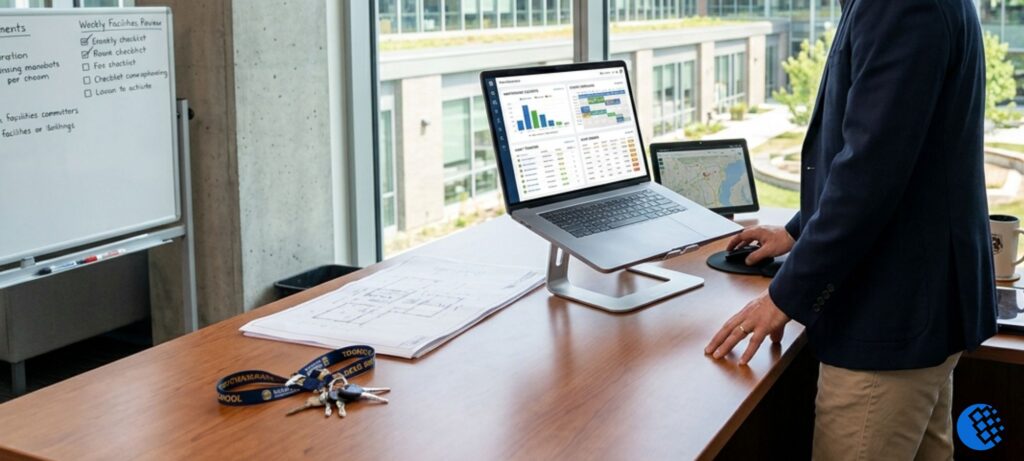
Running a school campus day in and day out is a lot of work. You have to stay on top of regular maintenance fixes, handle room reservations for weekend groups, and make sure expensive equipment does not break down out of nowhere. It is a massive juggling act for any administrative team. When you rely on messy spreadsheets, email threads, or paper notes, things inevitably slip through the cracks—leading to slow repairs, double-booked rooms, and unexpected financial headaches.
To keep everything running smoothly and protect the safety of students, more and more educational institutions are ditching the old paperwork. Getting a dedicated school facility management software setup ensures that administrators, teachers, and maintenance crews can see exactly what needs to be done in real time.
It does not matter if you run a small private preschool or a huge public school district; finding a tool that fits your team changes everything about how you look after your buildings. In this guide, we will break down how these systems work, look at the top options on the market, talk about pricing, and share a few tips on picking the right match for your school.
What is School Facility Management Software?
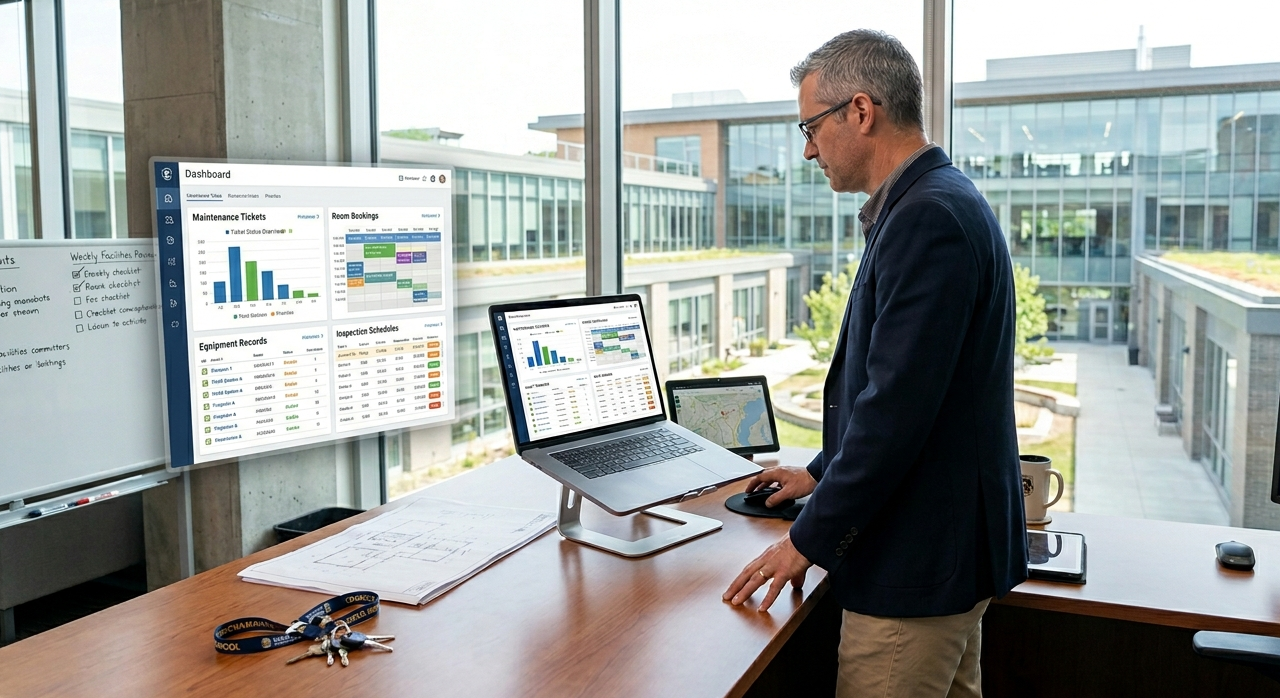
Put simply, school facility management software is a central digital hub where you track, schedule, and organize everything related to your physical campus and equipment. Think of it as a smart, shared digital upgrade that replaces outdated office filing cabinets and whiteboard lists.
These systems take the most useful features of commercial building maintenance tech—often called CMMS or CAFM tools—and customize them specifically for schools. Instead of managing five separate lists, your team can handle several core areas from one straightforward dashboard:
- Daily Repairs: Letting staff submit quick work requests and tracking when they get done.
- Asset Tracking: Keeping a clear record of equipment history, location, and warranties.
- Space Scheduling: Managing room availability, after-school events, and community rentals.
- Safety Inspections: Staying on top of building walkthroughs, compliance items, and regular safety checks.
Why Schools Need Facility Management Software
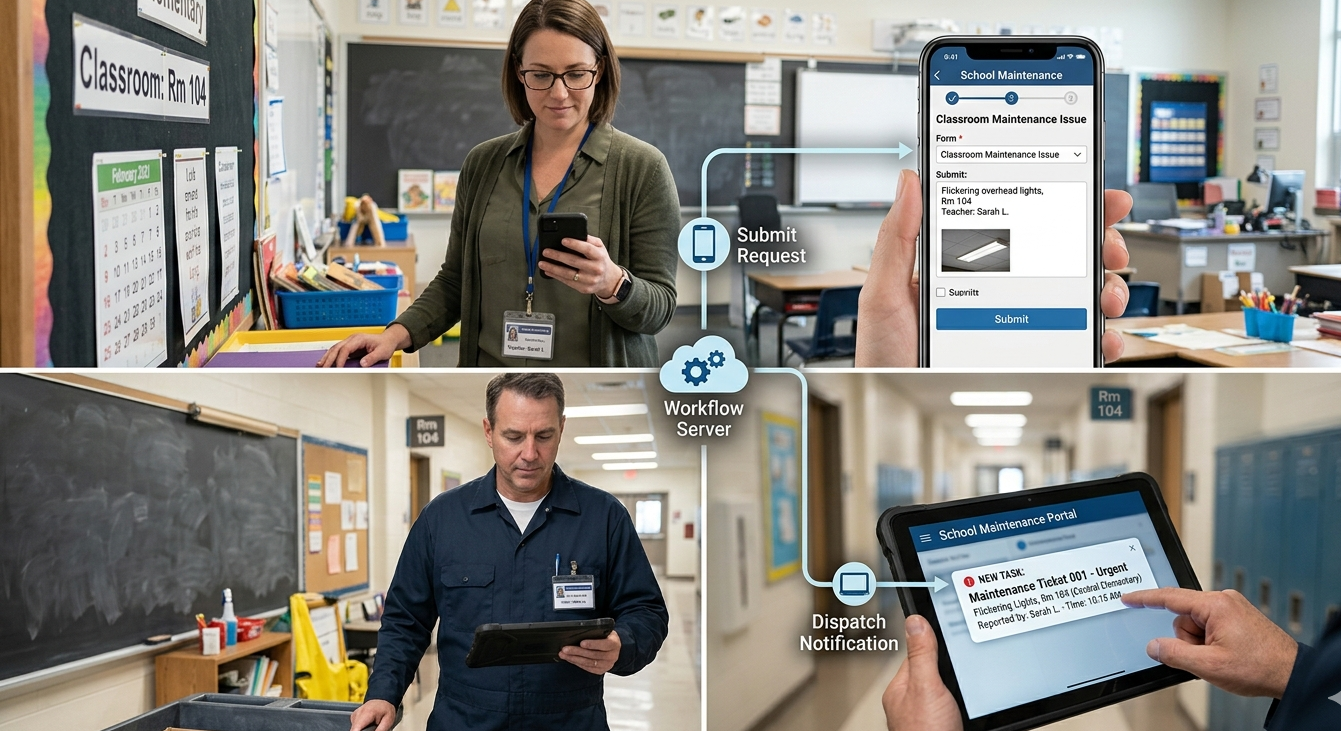
Schools are busy places with non-stop foot traffic, tight operational budgets, and strict safety rules. Without a clear tracking system, maintenance crews usually end up working in a stressful reactive loop—scrambling to fix major breakdowns only after a system stops working during a school day.
Switching to a digital facilities setup helps your team stay ahead of problems. First, it cuts out lost time. The moment a teacher notices a clogged sink or a broken door lock, they can send a quick ticket from their phone. This means no more forgotten sticky notes or delayed emails.
Second, it makes your school a safer place for everyone. Every administration has an important duty to keep their buildings secure and stable. This responsibility matches perfectly with the everyday guidelines we discuss in our detailed guide on Schools and Their Basic Safety Obligations. Automated reminders ensure your team checks things like fire alarms, emergency exits, and door locks right on schedule.
Key Features of School Facility Management Software
When you start looking at different options, focus on practical features that match the actual rhythm of the school year. The most reliable tools usually stand on a few specific pillars:
1. Simple Work Order Management
This is the core foundation of keeping a school running. If a smartboard bracket comes loose or a spill happens in the cafeteria, any staff member can log a quick digital request. The software instantly sends the task to the right custodian, updates the progress, and notes when the job is done so the teacher knows it is taken care of.
2. Preventive Maintenance Scheduling
Having a main HVAC unit break down in the middle of a hot school week is an expensive nightmare that disrupts classes. A solid facility management software for schools lets you arrange routine tune-ups during summer or winter breaks. The system automatically reminds your team when to change filters or inspect roof drainage, which helps your equipment last much longer.
3. Comprehensive Asset Tracking
Every piece of equipment—from cafeteria refrigerators to lawnmowers and classroom technology—is a big investment. Asset tracking tools store serial numbers, manuals, costs, and warranty timelines in one place. Having this data ready makes future budget planning and insurance updates a lot less painful.
4. Room & Space Scheduling
School properties are rarely empty after the final bell. Between PTA meetings, local sports leagues, and weekend events, managing spaces gets complicated fast. A built-in booking tool stops double-bookings before they happen. It lets outside groups request space online, coordinates cleaning times for custodians, and tracks usage fees without the extra paperwork.
Best School Facility Management Software Options
The educational software market has plenty of great options, whether you need a basic mobile ticket tracker or a large campus mapping system. Looking at what current school administrators use most, these are the standout platforms:
FMX
FMX is a highly popular, cloud-based platform built from the ground up for K-12 systems and higher education. It is great at balancing daily maintenance tracking with busy event calendars. If your school deals with lots of community facility requests alongside regular cleanup tasks, this is an excellent fit.
MaintainX
If your maintenance team is always on the move rather than sitting at a desk, MaintainX is a fantastic mobile choice. It uses a very clean, chat-style setup where technicians can snap a quick photo of a repair issue, check off safety lists, and update work tickets right from their phones.
AkitaBox
For teams that prefer a visual layout, AkitaBox does things a bit differently by connecting your data straight to your actual building floor plans. It maps your equipment directly onto digital blueprints. That way, a technician can look at their screen and find a hidden plumbing valve behind a specific classroom wall instantly.
FacilityOS
FacilityOS is a strong option if your school needs a heavier focus on campus security, visitor logs, and safety drills alongside regular facility upkeep. It offers modular setups to keep track of building access points, check in campus visitors, and monitor outside contractor requirements.
Facilities Management Software for K-12 Schools
Looking after a single building is tough enough, but running a multi-school K-12 district brings a whole different level of logistical challenges. A proper facilities management software for k-12 schools needs to be strong enough to separate and organize data across completely different physical locations.
In a district setup, main facility directors need a high-level view to see which properties are using up the maintenance budget or dealing with old equipment. At the exact same time, individual school principals and building custodians only need to see the specific tasks and schedules that matter to their own campus.
User controls are also highly important in K-12 schools. You want a setup where a teacher can quickly report a flickering light bulb, but only the authorized district director has the clearance to approve a major spending contract for a new roof line.
How Much Does School Facilities Management Software Cost?
When looking at the numbers, administrators always ask: how much does school facilities management software cost? Because school sizes vary so much, software developers don’t use a single flat price. Instead, most companies use a standard Software-as-a-Service (SaaS) subscription model.
The final cost of your software subscription usually depends on a few straightforward details:
Total Software Cost=Base Package+(Scale Metric×Rate)+Setup Fees
- Square Footage or Building Count: Many providers base their pricing on the size or number of schools you manage. A single private campus might pay between $1,000 and $3,000 a year, whereas a large public district with multiple sites can see enterprise pricing that runs into tens of thousands annually.
- User License Limits: Some platforms base their fees on the number of “internal users”—like your dedicated maintenance workers and administrative staff—while letting an unlimited number of teachers send in basic work requests for free.
- Onboarding and Training Setup: Keep an eye out for one-time initial setup costs. Moving your old records over, uploading floor plans, and teaching your custodial team how to use a new app usually involves an upfront implementation fee.
How to Choose the Best Software for Your Campus
Picking a new platform is a long-term commitment for your team. To avoid buying software that your staff ends up ignoring, try using a realistic, people-first selection process:
- Find Your Biggest Everyday Headache: Sit down with your crew and figure out what issue you actually need to solve. Are you losing track of expensive tools? Are routine repairs taking too long to fix? Or is your main stress handling weekend gym rentals? Pick a tool that is built for your specific problem.
- Make Mobile Ease a Priority: A digital system is only useful if your technicians actually use it on the job. If the app feels clunky, confusing, or takes too many steps just to close out a basic ticket, people will stop updating it. Always pick a clean, fast mobile interface.
- Get Your On-Site Crew Involved in Demos: Before you sign any contract, ask for a live demo of the tool. Don’t just sit in the meeting with administrative executives—bring your lead custodians and maintenance technicians into the conversation. Let them ask real questions to see if the tool fits their daily routine.
Creative Community Use of School Facilities
When a school organizes its spaces properly with automated scheduling tools, it opens up great opportunities for community events and extra programs. A well-managed campus can easily host weekend workshops, neighborhood gatherings, or teacher collaboration days.
For instance, during breaks or over weekends, empty classrooms can be perfect spaces for professional learning. Teachers often get together to map out creative classroom ideas, like planning interactive science projects or sharing the 7 Best Math Activities for Elementary School Teachers. Using a reliable space-booking system keeps these events running smoothly without getting in the way of deep cleaning schedules or building repairs.
Frequently Asked Questions
What is the best school facilities management software?
There is no single tool that works perfectly for every single school, because the best choice depends on what your campus needs most. Programs like FMX are well-regarded industry standouts for overall K-12 district management, while a tool like MaintainX is excellent if you want a straightforward, mobile-first setup for quick work orders.
Can you recommend software tools for school facilities management?
If you want a highly visual setup that connects your maintenance data directly to your actual building blueprints, AkitaBox is a top pick. If your school system needs a heavier focus on building security, compliance checks, and safety drill tracking, FacilityOS is a very strong specialized option.
How do modern facility systems help with school budgeting?
By keeping a clear, accurate history of maintenance costs for large assets like heating systems and roofs, the software gives administrators hard data on when an item is getting too old. This clear insight allows districts to plan for large capital investments years in advance, rather than dealing with high emergency replacement costs when things break down out of nowhere. For more details on modern school data guidelines, you can check out the resource materials shared by the U.S. Department of Education.
Where can I check verified user reviews for these platforms?
To see real feedback from actual school business officials and building operations directors who use these tools every day, you can explore the software directories and user ratings over on review platforms like G2.