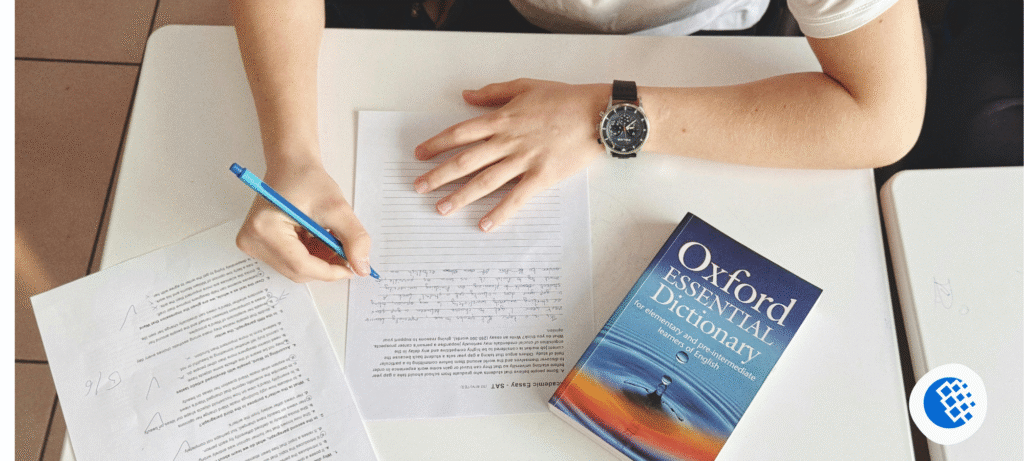

I downloaded five different learning apps during a long flight, mostly because I was tired of scrolling Instagram for two hours straight. Only two of them were still on my phone a week later. That’s the real problem with learning apps for adults — it’s never about finding the biggest library of courses. It’s about finding the one you’ll actually open tomorrow.
Quick answer: there’s no single best learning app for adults — it really comes down to why you’re learning in the first place. If you just want a daily language habit, Duolingo fits. If career growth is the goal, Coursera or LinkedIn Learning are worth the subscription. And if you’re brushing up on academics for free, Khan Academy still wins. No one app rules them all — it’s about matching the app to your schedule and your reason for showing up.
Here’s the thing most “best learning apps” lists get wrong. They rank apps by download count, not by whether real adults stick with them. So instead of another generic top-10, this one’s organized by what you’re actually trying to do.
Best Learning Apps for Adults, Organized by What You Want
Want to learn a language? Duolingo, Babbel, Busuu, Memrise, and Rosetta Stone all take different approaches — gamified habit-building versus structured conversation practice versus full immersion.
Want job or career skills? Coursera, LinkedIn Learning, Google Career Certificates, and Udemy cover this space, each with a different balance of price and credibility.
Want general knowledge? Khan Academy, Brilliant, TED, and NerdSip are built for curiosity rather than credentials.
Want to read more without reading more? Blinkist, Libby, Audible, and Shortform each solve the “no time to finish a book” problem differently.
Want something creative or hands-on? Skillshare, Domestika, and MasterClass lean toward inspiration and craft rather than testing.
Want to code, or learn guitar? Mimo, SoloLearn, and Codecademy handle programming basics. For guitar specifically, Yousician and Fender Play are the two apps that consistently show up as good for adult beginners, and they’re the honest answer to which guitar learning app works best for adults.
If you want a broader look at how instructors and platforms are reshaping learning delivery for both students and working adults, this piece on Best Modern Teaching Methods in 2026 is worth reading alongside this one.
Why Adults Learn Differently Than Students
Adults don’t fail at learning because they’re not smart enough. They fail because of time. A student has a semester built around them. An adult has a job, maybe kids, a mortgage or rent, and a phone that won’t stop buzzing.
Watch which apps adults actually keep using, and a pattern shows up fast — the lessons never drag on, skipping a day isn’t treated like a failure, and progress is something you can actually feel. Which, when you think about it, tracks. Nobody wants an app that turns into homework, complete with a deadline looming over their head.
How These Apps Were Compared
I looked at course quality, pricing transparency, offline access, certificate value, and — most importantly — how each app performs after the first week, not just the first day. App store ratings and user reviews were checked alongside actual use where possible. Popularity alone was never treated as proof that something works.
Coursera
This one’s for people chasing a credential, not just knowledge for its own sake. Auditing most courses won’t cost you anything, but the certificate at the end will — usually somewhere in the $39 to $79 a month range, depending on the specialization you pick. What you’re getting for that money: university-backed material, a pace that keeps you on track, and a certificate that actually looks good sitting on a LinkedIn profile. Cons: motivation tends to drop once there’s no deadline pushing you. Skip it if you just want to browse a topic casually — Coursera’s structure rewards commitment.
Khan Academy
No ads, no paywall, no upsell trying to sneak in halfway through a lesson — it’s just free. It was built with students in mind originally, sure, but the math, economics, and science material holds up just fine for an adult trying to cram before a certification exam. If there’s one gripe, it’s that some lessons still feel like they’re talking to a fifteen-year-old.
Duolingo
Free with ads, or a paid tier without them. Genuinely good for building a daily habit through short, gamified lessons. It won’t make you fluent on its own — think of it as the on-ramp, not the destination.
Babbel
There’s no free tier here, but you’re paying for something different — lessons built around actual conversations instead of endless flashcard-style drills. If a trip’s coming up soon, or you’ve got a work assignment where you’ll need to speak the language for real, this is the one that gets you closer to that faster.
Brilliant
Math, logic, and science taught through solving problems instead of watching lectures. Fun if you like puzzles. Frustrating if your basics are rusty, since it moves fast.
Skillshare
Design, photography, writing, and business basics, taught by working professionals. Quality swings depending on the instructor since anyone can publish a class, so check reviews before committing to a full course.
Udemy
One-time purchases instead of a subscription, and courses go on sale constantly. No consistent quality control across the platform — read the reviews, not just the star rating.
LinkedIn Learning
Business and software courses that show up directly on your LinkedIn profile once completed. Some employers notice this. Others don’t. It runs on a subscription, which stings if you only need one course.
Blinkist and Shortform
Both condense nonfiction books into 15-minute summaries. Blinkist is broader; Shortform tends to go deeper on fewer titles. Neither replaces actually reading the book — they’re for people who want the core ideas fast.
Libby and Audible
Libby is free through your local library card, with the usual library wait times for popular titles. Audible costs money but has no wait list and a much bigger catalog.
Free vs Paid: What’s the Real Difference?
| Feature | Free Apps | Paid Apps |
|---|---|---|
| Structure | Loose | Usually strong |
| Certificates | Rare | Common |
| Accountability | Low | Higher |
| Content depth | Basic to moderate | Often advanced |
| Best for | Exploring a topic | Serious, goal-driven learning |
Are free learning apps worth downloading? Honestly, yes, for exploration. Khan Academy, Libby, TED, MIT OpenCourseWare, and Wikipedia cover a huge range of subjects without costing a cent. The tradeoff is that you’re on your own for structure and motivation — nobody’s sending you a reminder email.
Best Learning Apps for Adults by Goal
| Goal | Best App | Time Needed |
|---|---|---|
| Learn a language | Duolingo | 10–15 min/day |
| Coding | freeCodeCamp or Mimo | 30+ min/day |
| Career switch | Coursera | 1–2 hrs/week |
| Guitar | Fender Play | 15–20 min/day |
| Photography | Skillshare | Flexible |
| Reading more | Libby | Flexible |
| Brain training | Elevate or Peak | 10 min/day |
Common Mistakes Adults Make
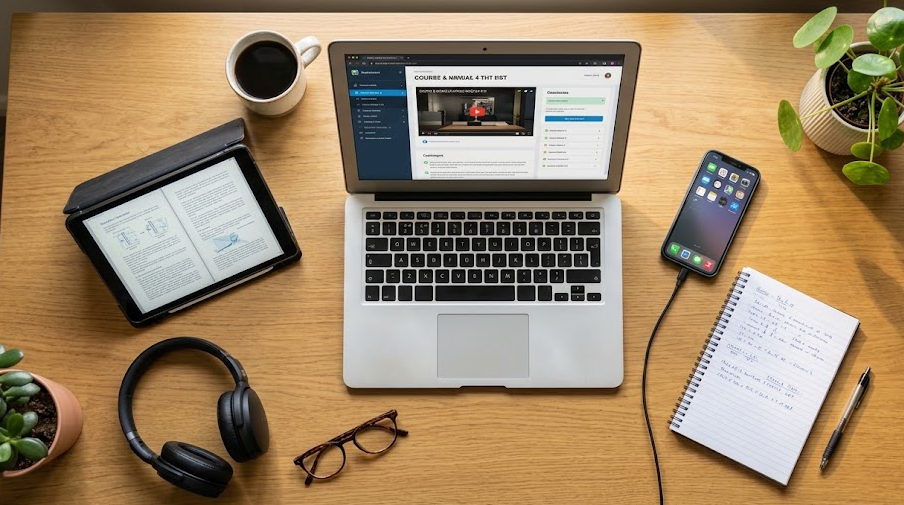
One mistake shows up constantly: downloading five or six apps in a single weekend, using each one for three days, then abandoning all of them. Another is paying for a yearly subscription before confirming the app fits into an actual daily routine. A few more worth naming — choosing an app because it has thousands of courses instead of picking the one you’ll finish, ignoring whether it fits your commute or schedule, and chasing certificates over practical skill.
Should You Use AI Tools Alongside a Learning App?
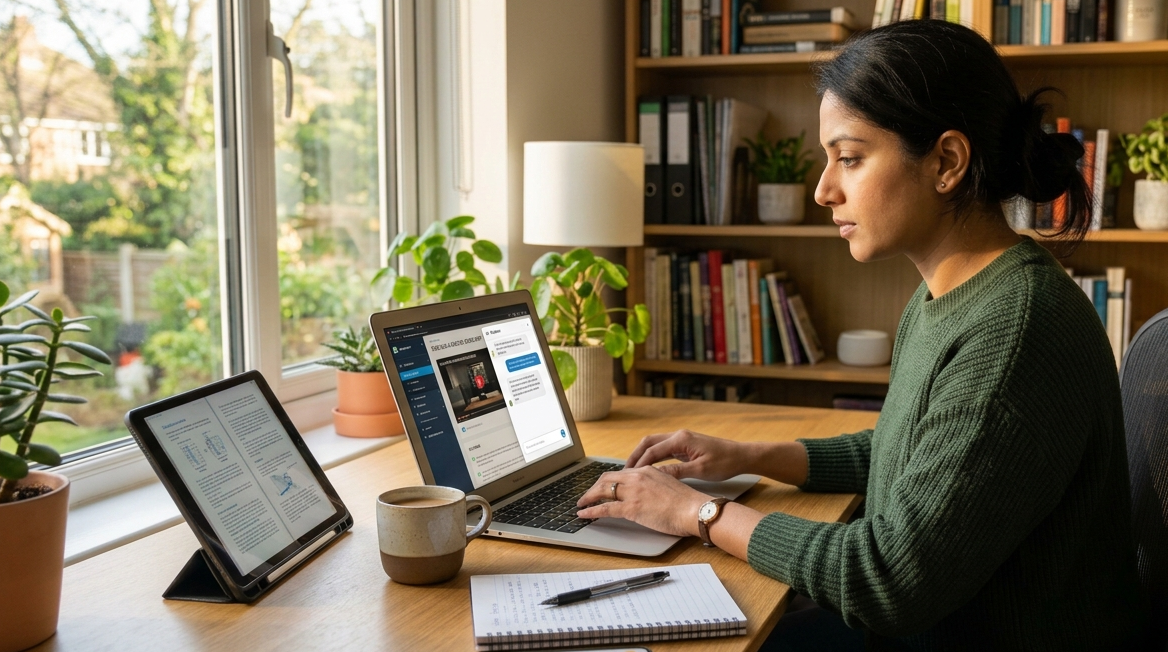
This is worth mentioning because it’s becoming common. There’s a growing habit among adults of treating tools like ChatGPT, Google Gemini, and Claude as a kind of study buddy — getting them to reframe a confusing concept, throw quiz questions at them for vocab practice, or break down whatever a course rushed through too quickly. None of that replaces an actual learning app, but the two work well side by side, particularly for squeezing in extra language practice or catching what a video lesson blew past too fast.
Expert Tips for Staying Consistent
After going through more than a dozen of these apps, the same pattern kept showing up over and over: adults actually stick around when a lesson takes under fifteen minutes. It’s not about how many courses an app has sitting in its library — it’s whether you’ll bother opening it again tomorrow. Pick a fixed slot in your day, even if it’s ten minutes right before bed. And instead of trying to hold everything in your head, just jot down a short weekly note of what stuck. And don’t be afraid to drop an app after two weeks if it isn’t sticking — that’s not failure, that’s just information about what fits your life.
For readers building a broader daily toolkit around learning and productivity, this guide to Best Free Online Tools for Everyday Tasks pairs well with the habits covered here.
Frequently Asked Questions
What’s the best learning app for adults?
It depends on the goal. Coursera suits career growth, Khan Academy suits free academic learning, and Duolingo suits casual language practice.
Which free apps and websites are best for adult learning?
Khan Academy, Libby, TED, MIT OpenCourseWare, and Wikipedia are the strongest free options, covering academics, books, talks, and open research.
Which guitar learning app works best for adults?
Fender Play and Yousician are the two most recommended, with Fender Play generally considered friendlier for absolute beginners.
Are learning apps better than online courses?
Not necessarily better, just different. Apps are built for short, frequent sessions; full courses go deeper but require more time per sitting.
Which learning app offers certificates?
Coursera, LinkedIn Learning, and edX all offer certificates, though their value depends heavily on the field and employer.
Can adults really learn a new language using apps alone?
They can get a solid foundation, but real fluency usually needs conversation practice beyond what an app alone provides.
Which app is best for coding?
Codecademy and Mimo are both solid starting points; freeCodeCamp is the strongest free option for going deeper.
Which app is best for reading books?
Libby, for free access to full books. Blinkist or Shortform, if the goal is getting the key ideas fast instead of finishing the whole book.
How much time should adults spend learning each day?
Ten to fifteen minutes consistently beats an hour once a week. Most of the apps mentioned here are built around that shorter, daily rhythm.
Final Thoughts
Honestly, none of this needs to be overthought. When it comes to learning apps for adults, figure out how much time you’ve really got, lock in on one goal, and quit trying to run five apps at once. Grab one, ride it out for a full month, then ask yourself the only question that matters — did you keep opening it? Everything else, including whatever course count it’s flexing, is just noise.