

Abhyas AI is an AI-assisted learning platform built with Aditya Educational Institutions, best known for helping JEE and NEET aspirants practice smarter rather than just practice more. This guide walks through the login process, Abhyas Lab, the beta portal, the mobile app, and how the feedback system actually works, in enough detail that you shouldn’t need to go searching five different pages to piece it together.
Quick answer: Abhyas AI combines a large exam-aligned question bank with machine-learning analytics that track where a student keeps losing marks. Students log in with a registered SUC or mobile number, practice inside Abhyas Lab, and get topic-level feedback after every test. A separate beta portal exists for early access to new features, and the platform is also available as an Android app.
What Is Abhyas AI?
Abhyas AI is built around one core idea: most students don’t need more questions, they need the right questions. Instead of handing every learner the same fixed set, the platform tracks each attempt (right, wrong, rushed, skipped) and uses that history to shape weekly study goals, flag weak chapters, and recommend what to revise next.
The platform includes a question bank the developers describe as exceeding 3 lakh questions, along with video lessons, an “Ask-a-Tutor” option for doubts the analytics alone can’t solve, and performance dashboards that break results down by topic and difficulty rather than just showing a final score.
Who Created Abhyas AI?
Abhyas AI runs in academic partnership with Aditya Educational Institutions, whose subject experts design the curriculum layer behind the practice content. This is worth knowing because the name “Abhyas” gets reused across several unrelated products: TheAbhyas (aimed at UPSC, RAS, and REET aspirants), the National Test Abhyas app run by NTA, and a separate CBT practice app that also happens to be called ABHYAS. They serve different exams and different audiences, so it’s easy to land on the wrong one from a search result alone. Worth a single mental note and nothing more. The rest of this guide sticks to ABHYAS.AI, the Aditya-linked platform.
Abhyas AI Student Login Guide
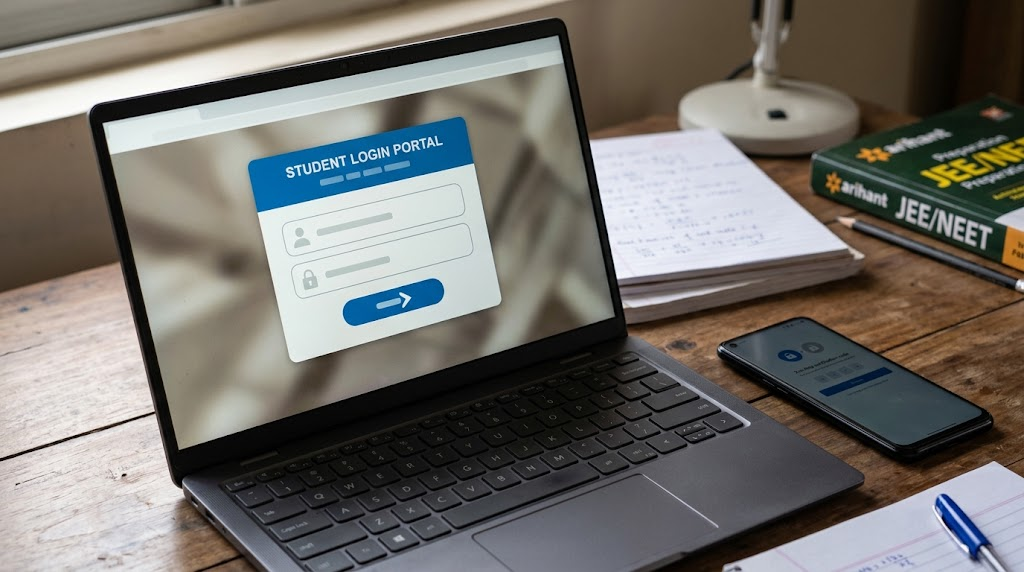
Logging in is a short process once you know the exact fields the platform expects:
- Go to the official Abhyas AI website.
- Select Student Login.
- Enter your registered SUC or mobile number.
- Enter your password.
- You should then be taken to your student dashboard, where practice sets, tests, and analytics are typically found.
Forgot your password? If the option is available on your login screen, use the official “Forgot Password” process rather than any third-party “Abhyas login helper” site. A search for exam-prep tools tends to surface copycat pages, and there’s no reason to hand your credentials to one.
Login not working? Nine times out of ten it’s one of three things: a typo in the SUC/mobile number, a domain that isn’t the official one, or an account that hasn’t finished registration. The next section covers registration in detail.
Abhyas AI Lab Login and Registration
Abhyas Lab is the practice-and-assessment workspace inside the platform, and it’s worth separating “login” from “registration” because they solve different problems.
Existing students simply log in with their SUC/mobile number and password, same as above, and land directly in Abhyas Lab.
New students typically go through a short registration process first, which generally involves steps like:
- Entering basic student details (name, contact number)
- Selecting your course or study level
- Choosing your target exam (JEE Main, JEE Advanced, NEET, or another supported track)
- Confirming your academic year
- Setting your account password
The exact fields can vary a little as the platform updates, so treat this as the general shape of the process. Once it’s complete, the dashboard should unlock and the account should behave the same as any existing one. Inside Abhyas Lab itself, students typically work through subject-wise practice sets, timed and full-length mock tests, coding exercises (Aditya’s B.Sc. AI program references practice in Python, R, SQL, and machine learning basics), and structured English communication drills. It functions less like a single app and more like a workspace, with the same login carrying you between all of it depending on what you’re preparing for that week.
What Is Abhyas AI Beta?
You’ll occasionally see search terms like “Abhyas AI beta” or “beta student.” This refers to a separate testing environment where new features get tried out before they reach the main platform. Beta portals are, by nature, less stable, and their URLs can change or get retired without much notice, which is usually why a saved beta link suddenly stops working.
| Feature | Main Portal | Beta Portal |
|---|---|---|
| Purpose | Regular learning and practice | Testing new features |
| Access | Standard login | May depend on the current beta program |
| Stability | Stable | Subject to change |
| Recommended for | Daily use | Early feature testing only |
Unless you were specifically invited into a beta program, the main platform is the more reliable place to do your actual preparation. Save the beta portal for curiosity, not for exam-week revision.
Abhyas AI App Download
Abhyas AI is also available as a mobile app under the name Aditya Abhyas, which mirrors the practice-and-analytics experience from the browser version. A few practical points if you’re downloading it:
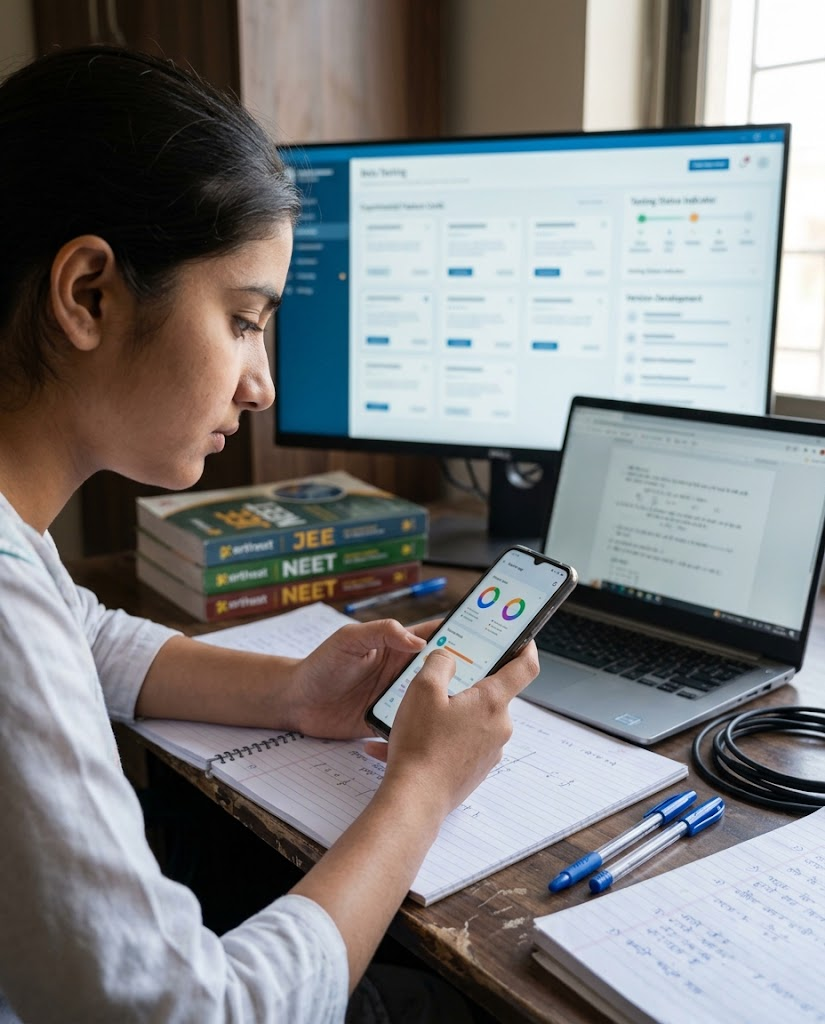
- Platform: currently available for Android through the Google Play Store.
- Login: the app generally uses the same SUC/mobile number and password as the web platform, though it’s worth confirming this on your own account rather than assuming it for every user.
- What it’s useful for: short practice sessions, mock tests, and push notifications for new assignments or results. Handy for students who want to fit in a question set between classes rather than sitting at a desktop.
- Before downloading: always install from the official Google Play listing rather than a third-party APK site, since exam-prep apps are a common target for lookalike downloads.
You can check the current listing on the Google Play Store. App availability and update details shift over time, so it’s worth a quick look before you commit to it as your main revision tool. If you’re comparing it against other options first, it’s also worth glancing through a broader roundup of online study tools students already rely on, since not every student learns best inside a single app.
How Abhyas AI Works
Strip away the marketing language and three mechanics do most of the actual work.
AI Learning System
The platform sets weekly study goals based on syllabus coverage and a student’s recent performance, adjusting the mix of questions as patterns emerge. This is the part most people mean when they refer to “Abhyas AI” as a personalized system rather than a plain question bank.
Performance Analytics
Every attempt gets logged, not just whether the answer was right, but how long it took and where in the test it happened. Over a few weeks, this builds a picture that’s more useful than a single score: which topics are consistently weak, which question types cause repeated errors, and whether time management is the actual issue rather than subject knowledge.

Weak Area Detection
This is the analytics translated into something a student can act on, essentially a running list of “here’s what to revise next” rather than a vague sense of needing to “study more.” It’s also the part that separates Abhyas from a plain PDF question bank, and it’s the reason the platform keeps showing up in comparisons with traditional coaching.
Abhyas AI for JEE Main and NEET
Most of the search interest around Abhyas AI comes from JEE and NEET aspirants specifically, and that’s clearly the platform’s main focus. Coverage spans JEE Main, JEE Advanced, and NEET, with Aditya also referencing AP EAPCET outcomes tied to student use of the platform.
It’s worth being direct about what a tool like this can and can’t promise. No practice platform guarantees a rank or a selection, and treating it that way sets a student up for disappointment regardless of how good the analytics are. What it can reasonably help with is structured revision, steady exposure to previous-year and syllabus-aligned questions, and a clearer, less emotional picture of where preparation is actually weak versus where it just feels weak. Those two things diverge more often than students expect. If a student is already showing clear signs of struggling well before exam season, it’s usually worth looking into early signs that extra academic support is needed rather than waiting for an analytics dashboard to catch up to a problem that’s already visible at home.
Abhyas AI Feedback System
The feedback loop is arguably the most useful part of the entire platform, and the easiest to undersell in a short description. After a test, Abhyas is designed to break results down by topic, difficulty level, and error pattern rather than a single percentage. That’s the difference between being told “you scored 60%” and being told something like “you’re consistently losing marks on a specific topic, and you tend to rush the final few questions of every test.” Only one of those is something a student can actually act on tomorrow morning.
What Is AbhyasVani AI?
AbhyasVani is the communication-skills arm of the ecosystem, structured around Listening, Speaking, Reading, and Writing, the LSRW framework common in structured English training. It’s a smaller piece of the overall platform, but a genuinely useful one for students who need communication skills alongside subject preparation, especially those heading toward placements or professional programs rather than only competitive entrance exams.
Abhyas AI Features at a Glance
| Feature | What It Does |
|---|---|
| AI-based question selection | Adjusts practice based on past performance |
| Performance analytics | Topic- and difficulty-level breakdowns after every test |
| Weak area detection | Flags specific chapters/question types to revise |
| Ask-a-Tutor | Doubt support beyond what analytics can resolve |
| Abhyas Lab | Practice, coding, aptitude, and communication workspace |
| AbhyasVani | LSRW-based English communication training |
| Mobile app | Android app mirroring the web platform |
Abhyas AI vs Traditional Coaching
| Factor | Abhyas AI | Traditional Coaching |
|---|---|---|
| Question selection | Adapts to individual performance | Same syllabus for every student |
| Weak-area tracking | Automated, topic-level | Usually manual, teacher-dependent |
| Practice availability | Anytime, self-paced | Fixed class schedule |
| Doubt support | Ask-a-Tutor | In-person, immediate |
| Cost structure | Platform/institutional access | Batch fees, often higher |
Neither model replaces the other outright. A lot of students end up using both: coaching for structured teaching and doubt clarity, Abhyas for the kind of repetitive, data-tracked practice that’s genuinely hard to replicate in a classroom setting.
Common Abhyas AI Login Problems
A handful of issues come up often enough to list plainly:
- Forgotten password: use the official reset flow, never a third-party site.
- Login not working: confirm you’re on the actual official domain and that your SUC/mobile number is entered exactly as registered.
- Can’t access Abhyas Lab: check that your account is active and correctly linked to your course and exam selection.
- Beta link not opening: beta URLs change periodically, so switch to the main platform.
- Wrong course or exam showing on the dashboard: usually a registration-step mismatch. Contact your institution to correct it rather than trying to fix it from the student side.
Is Abhyas AI Free?
Access depends on how a student is connected to the platform, through institutional enrollment, a standalone account, or another arrangement, and that detail changes often enough that a fixed answer here would go stale quickly. The safest step is checking directly on the official Abhyas AI platform or with your institution rather than relying on a secondhand pricing claim from a review article.
FAQs
What is Abhyas AI?
An AI-assisted learning platform, developed with Aditya Educational Institutions, focused mainly on JEE and NEET preparation through personalized practice and performance analytics.
How do I access Abhyas AI student login?
Visit the official platform, select Student Login, and enter your registered SUC or mobile number along with your password to reach your dashboard.
How do I reset my Abhyas AI password?
Use the “Forgot Password” option on the official login page. It verifies your registered mobile number before letting you set a new one.
What is Abhyas AI Lab used for?
It’s the practice and assessment workspace inside the platform, covering subject practice, mock tests, coding exercises, and English communication training.
What is Abhyas AI Beta?
A separate testing environment for new features, generally less stable than the main portal and intended for early access rather than daily use.
Is Abhyas AI free for students?
Access varies depending on institutional enrollment or account type, so it’s best confirmed directly on the official platform.
How can I download the Abhyas AI app?
Aditya Abhyas is available for Android through the Google Play Store, using the same login as the web platform for most accounts.
Is Aditya Abhyas AI available on Android?
Yes, currently available as an Android app mirroring the browser-based practice and analytics tools.
Does Abhyas AI provide JEE mock tests?
Yes, the platform covers JEE Main, JEE Advanced, and NEET with practice questions and full-length mock tests.
What is Abhyas AI feedback?
A topic- and difficulty-level breakdown of test performance, showing exactly where marks are being lost rather than just a final score.
Final Verdict
Abhyas AI earns its place in a JEE/NEET student’s routine for one specific reason: it turns “study more” into “study this, specifically.” The login and registration process is straightforward once you know the SUC/mobile number is the key detail, Abhyas Lab handles the actual practice work, and the feedback system is genuinely more useful than a plain scorecard. It won’t replace a good teacher or a structured coaching schedule, and it doesn’t claim to, but as a daily practice and analytics layer sitting alongside whatever else a student is doing to prepare, it does the specific job it was built for.