

Here’s a weird thing that keeps happening. Someone types “games that look like schoolwork” into Google, and honestly, the reasons vary more than you’d think. Some are teachers trying to sneak learning past bored ninth graders. Some are bored employees who want their screen to look busy. And some are just people who genuinely like spreadsheets, logic puzzles, and the satisfaction of getting a form filled out correctly.
Quick answer: Games that look like schoolwork are titles built around spreadsheets, document checking, coding, or logic puzzles instead of combat or fantasy worlds. Think Papers Please, TIS-100, or Cells. They reward careful thinking, not reflexes, which is exactly why they feel like homework and why so many people can’t stop playing them.
This list breaks them down by category, tells you who each one is actually good for, and skips the filler. No fluff, no padded “top 10” nonsense that repeats the same five titles everyone already knows about. If your classroom needs something more structured than a pile of Steam links, our guide to trivia-based learning games covers formats built specifically for engagement, not disguise.
Key Takeaways
- Games that look like schoolwork span spreadsheets, coding, office simulation, and curriculum-based learning platforms.
- Zachtronics titles dominate the programming and logic side of the genre.
- Papers, Please remains the most recognized office-simulation entry, and for good reason.
- Classroom-specific tools like Legends of Learning and Prodigy serve a different purpose than indie puzzle games, so match the tool to the goal.
- Motivation from gamified formats tends to fade with repetition, so rotating titles keeps engagement fresh.
What Are Games That Look Like Schoolwork?
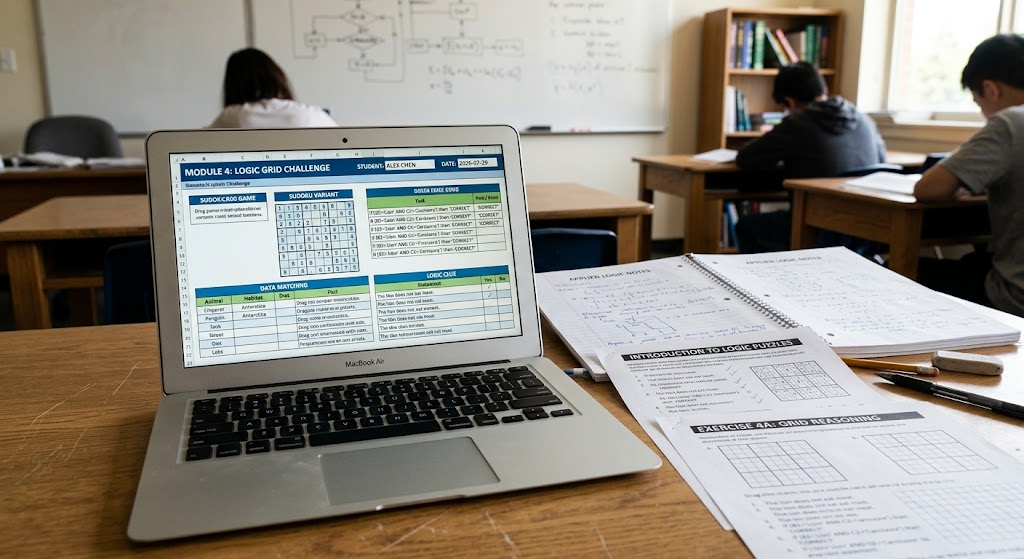
Simple definition first. These are games designed so the screen resembles a spreadsheet, a terminal, a stack of paperwork, or a classroom worksheet, while the actual mechanics underneath are genuine puzzles, logic chains, or resource systems. Nobody’s tricked for long once they start playing. But the visual disguise matters, especially in an office, a study hall, or anywhere a screen full of colorful graphics draws attention it shouldn’t.
Two things usually happen when people go looking for games that look like schoolwork. Either they want something that feels productive while they play it, scratching that itch for order and completion. Or they specifically need something that looks unremarkable on a monitor. Both crowds end up on the same lists, which is part of why the search results for this keyword are such a mixed bag of Reddit threads and outdated blog posts.
Why Games That Look Like Schoolwork Are So Popular
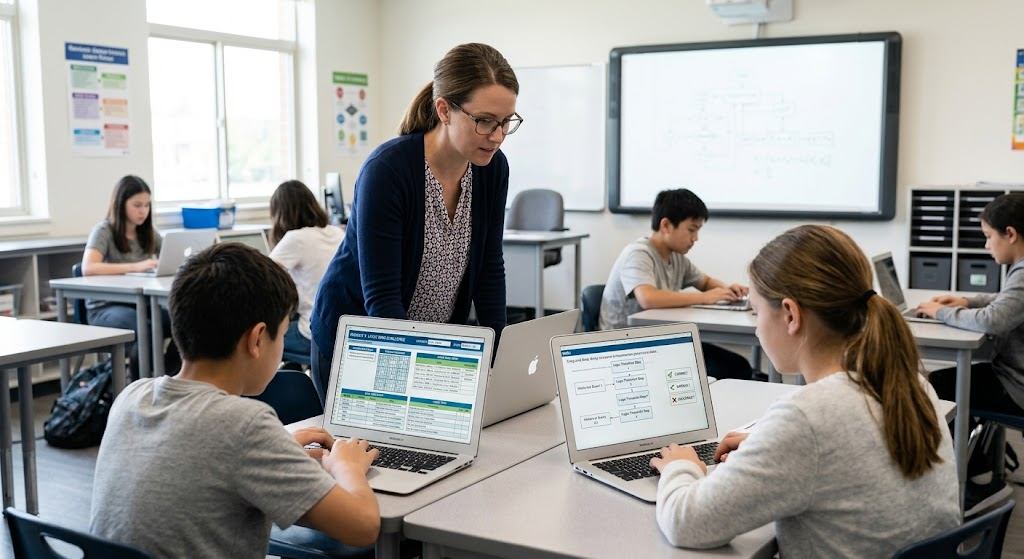
There’s actual research behind this, not just vibes. A 2023 systematic review published through the National Center for Biotechnology Information found that game elements like points, structured feedback, and ranking systems genuinely boost motivation, though the effect can fade with repeated exposure over time. That fading effect is worth noting.
After spending real hours testing puzzle and simulation titles over the years, one pattern keeps showing up. Players who enjoy structured problem-solving almost always gravitate toward systems-based games instead of action games. Not always, but close to it. That’s a big part of why spreadsheet-style and document-checking games build such loyal, oddly quiet communities. Nobody’s posting highlight reels of a good afternoon in Cells. They’re just quietly obsessed.
Quick Picks
| If you want… | Play |
|---|---|
| Coding | TIS-100 |
| Office work | Papers, Please |
| Classroom | Legends of Learning |
| Math | Prodigy |
| Spreadsheet | Cells |
| Beginner programming | Human Resource Machine |
Spreadsheet-Style Games
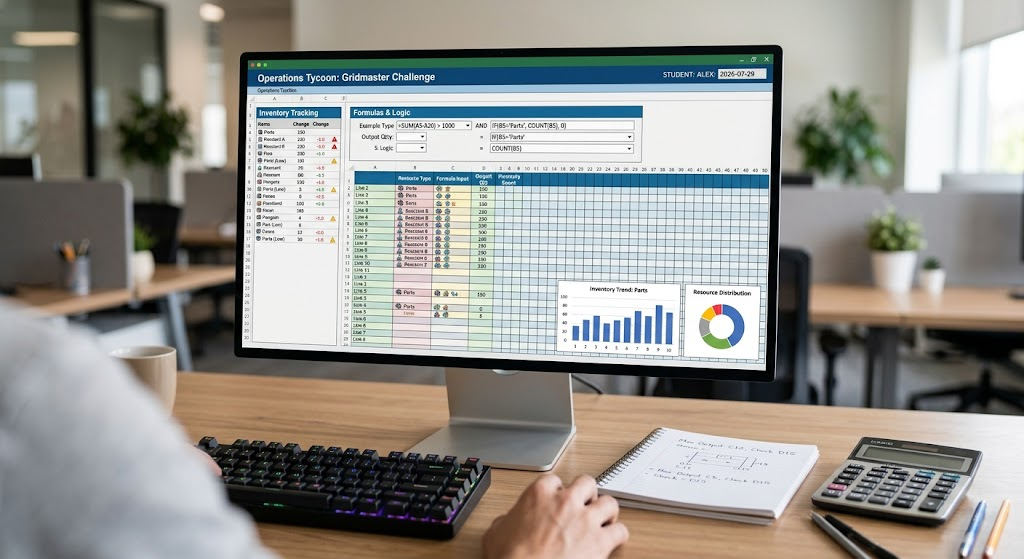
If you like the idea of Microsoft Excel but with actual stakes attached, start here. These are the closest thing to spreadsheet puzzle games the genre has to offer.
Cells puts you in charge of a data-tracking system that slowly turns into a full inventory puzzle. It’s slow to start. Stick with it past the first hour.
Incremental Epic Hero looks like a browser tab full of numbers and progress bars. It basically is. But the layered upgrade system scratches an itch that regular idle games don’t quite reach.
Excel Combat, despite the name, isn’t literally Microsoft Excel. It’s a budget and resource management sim styled to look exactly like one, which is honestly the whole appeal.
Programming and Coding Simulation Games
This is where the genre gets serious. Zachtronics built an entire studio around games that force you to write actual code or wire actual logic circuits to solve puzzles. Think of these as coding simulation games with real teeth.
TIS-100 hands you a broken computer and a manual. You write low-level assembly to fix it. It’s brutal, it’s rewarding, and it looks exactly like the kind of terminal work a systems admin does all day.
Shenzhen I/O goes further, simulating real circuit design and embedded programming. If you’ve ever wanted to feel like an engineer without the four-year degree, this gets closest.
SpaceChem swaps code for molecular assembly lines. No programming knowledge required, but the puzzle logic scales up fast.
Infinifactory and Opus Magnum, both from the same studio, lean harder into factory-building logic. Same DNA, different skins. If you burned through TIS-100 in a weekend, these are next.
Human Resource Machine is the gentlest entry point. You’re literally moving office memos around a cubicle using programming logic. It’s a genuinely great first step for anyone curious about how code actually thinks. For younger students, Scratch and Code.org cover the same territory in a friendlier, classroom-safe wrapper.
Factorio and Kerbal Space Program don’t disguise themselves as homework exactly, but both reward the same spreadsheet brain and get mentioned constantly in the same breath as this genre.
Office and Document Simulation Games
Papers, Please is the one everyone mentions, and for good reason. You’re a border inspector checking passports, cross-referencing documents, and catching forgeries. It’s the most recognizable of the document checking games out there. It looks like tedious paperwork. It plays like a thriller with a moral weight most games never bother with.
Suzerain drops you into the role of a president reviewing memos, balancing budgets, and making political decisions almost entirely through text. Less puzzle, more decision-making under pressure. A solid pick if you’re after office simulation games with actual narrative weight.
Accounting+ leans into the absurdity of ledger-checking on purpose, poking fun at how strange office monotony can be when you slow down and actually look at it.
World of Goo, if we’re being loose with the category, isn’t a spreadsheet or office sim at all. But its physics-puzzle structure gets recommended constantly alongside these titles for the same “quiet, focused thinking” crowd.
Educational Platforms Built for Classrooms
Not every entry here needs a disguise. Some are built for actual learning and just happen to be genuinely fun. These count as educational puzzle games in their own right.
Legends of Learning offers over 2,000 curriculum-aligned games across science, math, and history, designed specifically for classroom use rather than casual browsing.
Prodigy wraps math practice inside an RPG-style adventure. Kids grind through fractions without quite noticing.
Gamilab lets teachers build quiz-based games in minutes, which makes it a solid pick for last-minute review sessions.
Minecraft Education deserves a mention too. It’s browser learning games’ bigger, blockier cousin, built for full lesson plans rather than a quick review round.
Comparison Table
| Game | Looks Like | Genre | Best For |
|---|---|---|---|
| Papers, Please | Document review | Simulation | Adults, moral-choice fans |
| TIS-100 | Terminal / code editor | Programming puzzle | Coders, engineers |
| Shenzhen I/O | Circuit design software | Programming puzzle | Advanced learners |
| Human Resource Machine | Office memo system | Beginner coding | New programmers, teens |
| Cells | Spreadsheet | Resource management | Data-minded players |
| Legends of Learning | Curriculum worksheet | Classroom learning | K-12 teachers |
| Prodigy | Math workbook | RPG learning | Elementary/middle school |
| Suzerain | Government memos | Political sim | Adults, strategy fans |
| Scratch / Code.org | Coding classroom tool | Beginner coding | K-8 classrooms |
Which Game Looks Most Like Homework?
Papers, Please, easily. The passport-checking, document-comparing loop mirrors grading a stack of assignments closer than any other title on this list, right down to the slow, careful re-reading it demands.
Which Games Look Like Office Work?
Suzerain and Excel Combat top that list. Both mimic the visual language of memos, budgets, and spreadsheets closely enough that a quick glance from across a room won’t give the game away.
Best Games for Students
Human Resource Machine, Prodigy, and Legends of Learning. All three teach real skills, whether that’s programming logic or math fluency, without demanding a steep learning curve first.
Best Games for Teachers
Legends of Learning and Gamilab. Both are built around curriculum alignment and quick setup, which matters more in a 45-minute class period than raw puzzle depth does.
Common Mistakes People Make Picking These Games
One mistake people make: assuming “looks like schoolwork” automatically means “boring.” It doesn’t. The genre exists because the mechanics underneath are usually tighter and more thoughtful than flashier games, not less.
Another one. Teachers sometimes grab a game purely because it looks like a worksheet, without checking whether the actual content matches their curriculum. Legends of Learning and Prodigy are built for that alignment. Zachtronics titles are not, and were never meant to be classroom tools in the first place.
Cognitive Benefits, Age Range, and Access: The Practical Stuff
Cognitive benefits. Logic-heavy titles like TIS-100 and Shenzhen I/O build sequencing and debugging skills that transfer surprisingly well to actual coding work. Spreadsheet-style games lean more into resource planning and pattern recognition.
Age recommendations. Human Resource Machine, Scratch, and Code.org work fine for kids as young as 8 or 9. TIS-100 and Shenzhen I/O are better suited to teens and adults; the learning curve is steep and the reward structure assumes some patience.
Free vs. paid. Gamilab, Scratch, Code.org, and most browser-based options are free. Zachtronics titles and most Steam games in this genre are paid, though sales bring them down significantly throughout the year.
Browser vs. Steam. Browser learning games win on accessibility, no install, no login walls, works on a school Chromebook. Steam titles win on depth. If a school’s device policy is strict, start with the browser side of this list.
Mobile vs. PC. Prodigy and Legends of Learning both run fine on tablets. Most of the programming puzzle games (TIS-100, Shenzhen I/O, SpaceChem) are PC-only and genuinely awkward on a touchscreen.
Accessibility. Papers, Please and several Zachtronics titles support remappable controls and text scaling, but neither studio has invested heavily in screen-reader support. Legends of Learning and Prodigy, built for classroom compliance, tend to do better here.
Best Practices for Using These Games in a Classroom
- Match the game to the actual subject, not just the visual style.
- Use short sessions. Ten to fifteen minutes keeps engagement high without turning it into another screen-time battle.
- Pair a logic puzzle game with a follow-up discussion. The transfer of skills sticks better when students explain what they did.
- Rotate titles every few weeks. That motivation boost from gamification genuinely does fade with repetition, according to the research mentioned earlier, so novelty matters more than people expect.
If your rotation needs something outside spreadsheets and code editors, our piece on how daily word games boost cognitive skills is worth a look next. It covers a similar idea from a different angle: keeping a brain engaged without it feeling like a chore.
Frequently Asked Questions
What games look like homework?
Papers, Please, TIS-100, Cells, and Human Resource Machine are the most common picks. Each one uses a visual style built around documents, code, or spreadsheets rather than typical game graphics.
Are games that look like schoolwork good for learning?
Many of them, yes, especially the coding and logic titles. TIS-100 and Human Resource Machine teach real sequencing and debugging skills, while curriculum-built platforms like Legends of Learning are designed around actual learning standards from the start.
Are there free games that look like schoolwork?
Yes. Gamilab, Scratch, and Code.org are free. Most Zachtronics and Steam titles are paid, though sales bring them down significantly throughout the year.
What game looks like Excel? Excel Combat and Cells are the closest matches. Neither is literally Excel, but both use spreadsheet-style interfaces as their core gameplay loop.
What are programming puzzle games?
Games where you write real or simplified code to solve challenges. TIS-100, Shenzhen I/O, and SpaceChem are the genre’s best-known titles.
Are educational games actually effective for learning?
Research on gamified learning suggests yes, particularly for short-term motivation and engagement, though the benefit can decline with repeated exposure if the format never changes.
Which games improve logical thinking the most?
TIS-100 and Shenzhen I/O top most lists here. Both require sequencing, debugging, and structured problem-solving, all skills that transfer well beyond gaming.
Can I play these games at work without drawing attention?
Most of them, yes. That’s part of the appeal. Just know that titles like Papers, Please have sound effects and visuals that don’t always pass a quick glance from a coworker.
What’s a good first coding game for a teenager?
Human Resource Machine. It eases players into programming logic without requiring any prior coding background.
Conclusion
Games that look like schoolwork aren’t a gimmick, and they aren’t just a way to hide a Steam window behind a spreadsheet skin either. The genre works because it rewards actual thinking, whether that’s debugging a broken machine in TIS-100 or catching a forged passport in Papers, Please. Pick based on what you actually want out of it. Students need curriculum alignment. Everyone else just needs something satisfying enough to keep clicking. A 2018 literature review from the University of Arizona on game mechanics in online learning found that badges and leaderboards remain the most studied tools in this space, which lines up with why so many of the titles above still lean on progress tracking to keep players hooked.