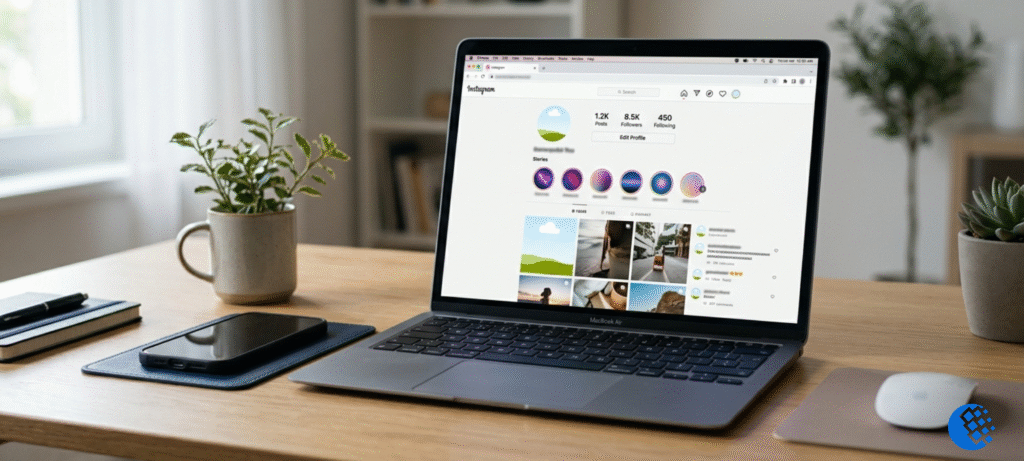
IgAnony is a free, browser-based Instagram story viewer. You type in a public username, and the tool tries to show that account’s public stories, highlights and posts without you logging in and without your name showing up in their viewer list. That’s the short version.
The longer version matters more. “Anonymous” and “safe” are two different promises, and plenty of pages online treat them as one. This guide covers what people actually ask: what IgAnony is, how it works, what it can and can’t do, whether it’s safe, why it sometimes fails, and what else is out there in 2026.
What Is IgAnony?
IgAnony is a third-party website built around one idea: let people look at public Instagram content without an account. It isn’t made by Instagram, and it has no official link to Meta. It’s an independent tool, and that single fact explains most of its quirks and risks.
People use an IgAnony viewer for a few common reasons. Some don’t have an Instagram account and just want to check a business’s stories. Some are watching a public profile for marketing analysis. Others are simply curious and would rather not leave a trace. All understandable, but the tool only works on public content.
You’ll also see the name written as iGanony or Iganony. Same thing, different capitalization. Several sites use the name on different domains, which matters when we get to safety.
How Does IgAnony Work?
The general idea is simple. You open the site, enter a public Instagram username, and the tool fetches whatever public content it can find for that profile. If stories are available, it displays them. Some versions also offer a download button.
Why doesn’t the account owner see you in their viewer list? Conceptually, third-party viewers retrieve publicly accessible content through their own infrastructure, rather than having you view the story from your personal Instagram account. That’s why these services are designed to keep your profile out of the normal viewer flow. The exact technical method varies by service and can change over time, so treat any confident claim about the inner workings with a pinch of salt.
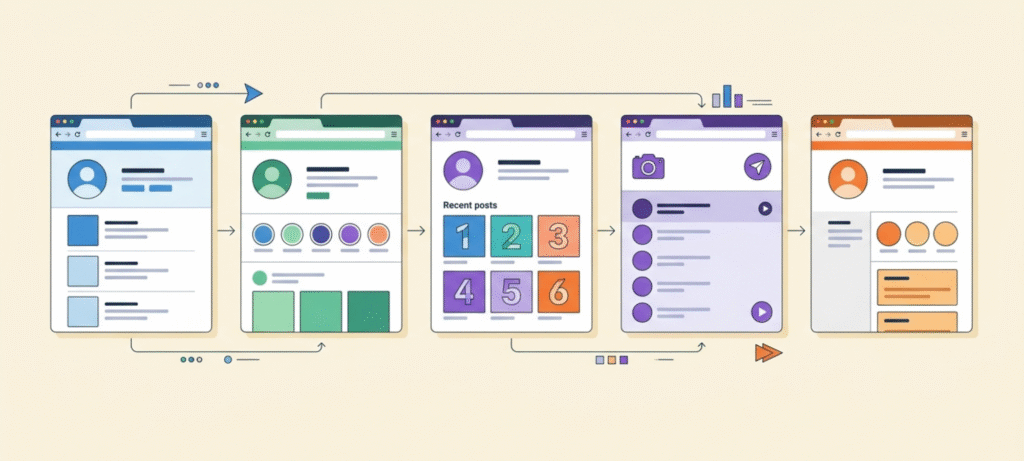
Here’s the flow most people follow:
- Open the viewer’s page in your browser.
- Enter the exact Instagram username (not the display name).
- Press search and wait a few seconds.
- Pick the matching profile.
- Choose stories, highlights or posts, whatever the tool currently offers.
No app, no password. If a site asks for either, close the tab.

Does IgAnony Require an Instagram Account?
No. A browser-based public-content viewer like this normally doesn’t need an Instagram account. That’s the whole appeal.
The important limit: no account doesn’t mean access to everything. You still can’t see private Instagram content, and you can’t see anything the owner has restricted.
What Can You View With IgAnony?
Expectations often go wrong here, so this table shows what’s reasonable.
| Content | Public account | Private account | Notes |
|---|---|---|---|
| Stories | Usually possible if supported | No | The story must still be live |
| Posts | May be available | No | Depends on current support |
| Reels | May be available | No | Depends on current support |
| Highlights | May be available | No | Public content only |
| Profile info | Public details | Limited | No private details |
| Deleted or expired content | Generally no | No | Recovery can’t be guaranteed |
Stories vanish from Instagram after 24 hours, so a viewer can’t bring back something that’s already gone. Features also change. A tool that loaded highlights last month might not do it today.
What IgAnony Cannot Do
It’s worth spelling this out, because it’s where most disappointment (and most scams) come from. IgAnony can’t:
- Access private Instagram accounts
- Bypass Instagram’s privacy settings
- Reliably recover expired stories
- Guarantee access to deleted content
- Guarantee permanent anonymity
- Guarantee permanent uptime
- Turn a third-party website into an official Instagram feature
If a page promises any of those, be skeptical. That includes searches like “iganony blocked account.” If an account has blocked you, or made itself private, a viewer isn’t a legitimate way around that.
Is IgAnony Really Anonymous?
Let’s be careful, because this is what most people care about.
If the tool works as advertised, the account owner shouldn’t see your name in their story viewer list, since you never viewed the story through your own Instagram account. That’s the basic promise.
But there’s a second layer people forget. Being anonymous to the Instagram user is not the same as being anonymous to the website. The site itself can usually see technical details like your IP address, browser type and device, the way most websites can. Whether it stores that depends on its own privacy practices, which are often vague on tools like this.
So the accurate version: IgAnony is designed to hide you from the person whose story you’re viewing. It doesn’t automatically hide you from the site running the tool. Any page promising “100% anonymous, zero traces” is claiming something it probably can’t prove.
As for what IgAnony “shows up as” on the owner’s side, it shouldn’t appear as a named viewer. But no third-party tool can give a guarantee, so don’t rely on one for anything sensitive. We also broke down how people view Instagram stories without appearing on the viewer list if you want the wider picture.
Is IgAnony Safe to Use?
“Is IgAnony safe?” is one of the most searched questions about it, and the answer isn’t a clean yes or no.
Not asking for your password is a good sign. But “doesn’t ask for my password” is not the same as “automatically safe.” A tool can skip the login and still show aggressive pop-ups, redirect you somewhere odd, or push a fake download button. Those are the real risks with unofficial viewers.
What lowers your risk:
- Never enter your Instagram password or a two-factor code on any viewer site.
- Stay in the browser. Don’t install an app, extension or file a viewer tells you to.
- Check for HTTPS and read the address bar before typing anything.
- Skip surveys, “verify you’re human” downloads and requests for personal details.
- Use an up-to-date browser and an ad blocker if pop-ups get pushy.
What deserves caution:
- Clone sites, since several domains use the same name
- Sites that change domains often
- Fake “download” or “continue” buttons
- Claims that a tool can unlock private accounts, a classic bait
The FTC has plain-language advice on how to recognize and avoid phishing scams, and it applies here: if a site pressures you to hand over a login, walk away. For everyday habits that actually help, our piece on staying private in a connected world is a good companion.
One more honest point. A third-party viewer sits outside Instagram’s official ecosystem and isn’t endorsed by it. Looking at a public story doesn’t make you a criminal, but if something goes wrong, you’re on your own.
Can IgAnony View Private Instagram Accounts?
No, and be suspicious of anyone who says otherwise.
A private account is private because the owner approved a limited group of followers. A viewer tool can’t get past that, and no legitimate service can either. Sites that claim to “unlock” private profiles usually want you to finish a survey, install something or hand over credentials.
If you searched “iganony private account viewer” hoping for a workaround, the practical answer is to send a follow request or accept that the content isn’t meant for you. Entering your login to “prove” access only puts your own account at risk.
How to Use IgAnony to View an Instagram Story
Assuming the tool is working and the account is public:
- Open the viewer from a source you trust and double-check the domain.
- Type the exact username, and drop the @ symbol if it causes trouble.
- Hit search.
- Select the matching profile.
- Open the story or highlight you want.
If nothing loads, don’t panic yet. The troubleshooting section below explains why.
Can You Download Instagram Stories With IgAnony?
Only if the current version of the service offers a download option, and only for public content. Features come and go, so don’t assume it’s always there.
The bigger point is permission. A download button doesn’t give you the right to republish someone’s photo or video. The story belongs to whoever posted it. If you use publicly available content for research or marketing analysis, treat it as reference material rather than automatically assuming you have permission to republish it. When in doubt, ask the owner or leave it alone.
Why Is IgAnony Not Working?
If you’ve refreshed a viewer site five times and gotten nothing, you’re not alone. “Why is IgAnony not working” and “does IgAnony work” show up in searches constantly, and the causes are usually boring.
Common reasons:
- The service is temporarily down or overloaded
- The site changed its domain, so an old link is dead
- Instagram changed something and the tool hasn’t caught up
- The account is private, or the story has expired
- You mistyped the username (one missing underscore is enough)
- The tool is limiting how many searches you can run
- A browser extension, VPN or cached data is interfering
Quick troubleshooting:
- Check the username, character by character.
- Try a different public account. If that loads, the first profile was the problem.
- Refresh and try again after a few minutes.
- Switch browsers or use a private window.
- Turn off extensions or a VPN briefly.
- Search for the tool’s current address, since domains change.
- Never type your Instagram password to “fix” it.
Here’s a useful test. If every profile fails, the tool itself is probably the problem. If only one fails, it’s likely private, empty or without active stories.
Is IgAnony Down Right Now?
There’s no fixed answer, because uptime for third-party tools isn’t guaranteed and can swing from day to day. I can’t tell you the current status from here, and any page claiming exact outage patterns without a source deserves the same skepticism.
Here’s how to check for yourself:
- Try two or three well-known public accounts. If none load, the service is likely having trouble.
- Test from a different browser or device to rule out your own setup.
- Wait an hour or two and try again, since short glitches often clear on their own.
- If it stays broken for days, the tool may have moved domains or stopped working, and it’s time to try another option.
Whatever you find, note the date. Since these tools change fast, what worked in 2026’s early months may not hold today.
Does IgAnony Work on iPhone and Android?
Generally yes, as long as the service is browser-based. You open it in Safari, Chrome or any mobile browser, the same as on desktop. No dedicated app is required, assuming the site stays browser-based.
A word of caution for phones. If a clone site tells you to install an APK, a profile or a “companion app” to keep viewing, don’t. That’s the most common trap on mobile. Stick to the browser, and if the site insists on an install, that’s your signal to leave.
Is IgAnony.io the Same as IgAnony.com?
You’ll see several addresses floating around: .com, .net, .io and others. They may or may not be connected. I can’t confirm which one is the original, and I’d rather say that than guess. Anyone can register a similar-looking domain, and copycats are common in this niche.
The practical rule: check the URL, look for HTTPS, and don’t enter personal details. If a domain looks off or triggers strange redirects, close it. Instagram’s own Help Center is the right place to confirm what official features exist, so you’re not relying on a lookalike site for that.
IgAnony vs Instagram’s Official Features
Instagram is owned by Meta and has its own privacy tools: private accounts, close friends lists, hiding stories from specific people and more. IgAnony has nothing to do with those. Here’s how the two compare.
| Feature | IgAnony | |
|---|---|---|
| Official Meta product | Yes | No |
| Instagram login | Usually required for normal use | Not normally |
| Private account access | Controlled by Instagram | No legitimate bypass |
| Story viewer identity | Based on Instagram’s own system | Third-party viewing model |
| Privacy controls | Extensive | Depends on the third-party site |
| Reliability | Platform-controlled | Can change or go offline |
If you run an account and want control over who sees your stories, use Instagram’s settings. If you’re the viewer, remember the tool you’re using has no official standing.
IgAnony Alternatives
IgAnony isn’t the only name in this space. Search results also show AnonyIG, InSnoop, StoriesIG and Imginn, among others. They do roughly the same job, so here’s a factual comparison rather than a “this one wins” claim.
| Tool | Main use | Account needed? | Content type | Main thing to consider |
|---|---|---|---|---|
| IgAnony | Anonymous viewing of public content | No | Public only | Reliability and domain changes |
| AnonyIG | Viewing stories and highlights | No | Public only | Availability can vary |
| InSnoop | Anonymous story viewing | No | Public only | Availability can vary |
| StoriesIG | Viewing public stories | No | Public only | Check current features |
| Imginn | Browsing public profiles and posts | No | Public only | Check current features |
Features, domains and uptime change quickly, so check current status before relying on any of them. The safety rules above apply to every one of these, not just IgAnony.
IgAnony vs InSnoop: What’s the Difference?
On paper, not much. Both are third-party services that let you view public Instagram content without logging in. Both rely on their own methods, so both can break when Instagram changes something. Neither is an official Meta or Instagram product. The real differences show up in daily use, like speed, layout, pop-ups and how often each goes down, and those change too. Try a public account on each and see which behaves better for you.
Frequently Asked Questions
What is IgAnony?
A free third-party website that lets you view public Instagram stories, highlights and posts without logging in.
How does IgAnony work?
You enter a public username and the tool fetches that profile’s publicly available content through its own infrastructure. The exact method can change.
Is IgAnony safe?
It doesn’t ask for your Instagram password, which helps, but it’s an unofficial site. Watch for pop-ups, fake download buttons and clone domains, and never share login details.
Is IgAnony anonymous?
It’s designed so the account owner doesn’t see your name in their viewer list. The website itself may still collect technical data, so anonymous to Instagram isn’t the same as anonymous everywhere.
What does IgAnony show up as?
It shouldn’t appear as a named viewer to the account owner, though no third-party tool can guarantee it.
Does IgAnony need an Instagram account?
Normally no, but it still can’t open private content.
Why is IgAnony not working?
Usually downtime, a domain change, an Instagram update, a private account, an expired story or a typo.
Does IgAnony work on private accounts?
No. Private content stays private.
Does IgAnony work with Facebook?
It’s associated with Instagram. Don’t assume Facebook support unless the current site clearly says so.
Does IgAnony use AI?
Nothing suggests it’s an AI tool. It’s a viewer, and the “AI” in some searches is likely a naming mix-up.
Does IgAnony work, according to Reddit?
Opinions are mixed, which fits the pattern: these tools work sometimes and fail other times. Treat any single thread as one person’s experience on one day.
Final Thoughts
IgAnony can do what it says for public Instagram content, at least while it’s up. It can’t open private accounts, it can’t bring back expired stories, and it can’t promise total invisibility online. The smartest way to use it is with modest expectations and firm rules: no passwords, no downloads from pop-ups, no surveys, and a careful look at the domain every time.
Treat it as a convenience rather than a shield, and have a plan B for the day it stops working.